

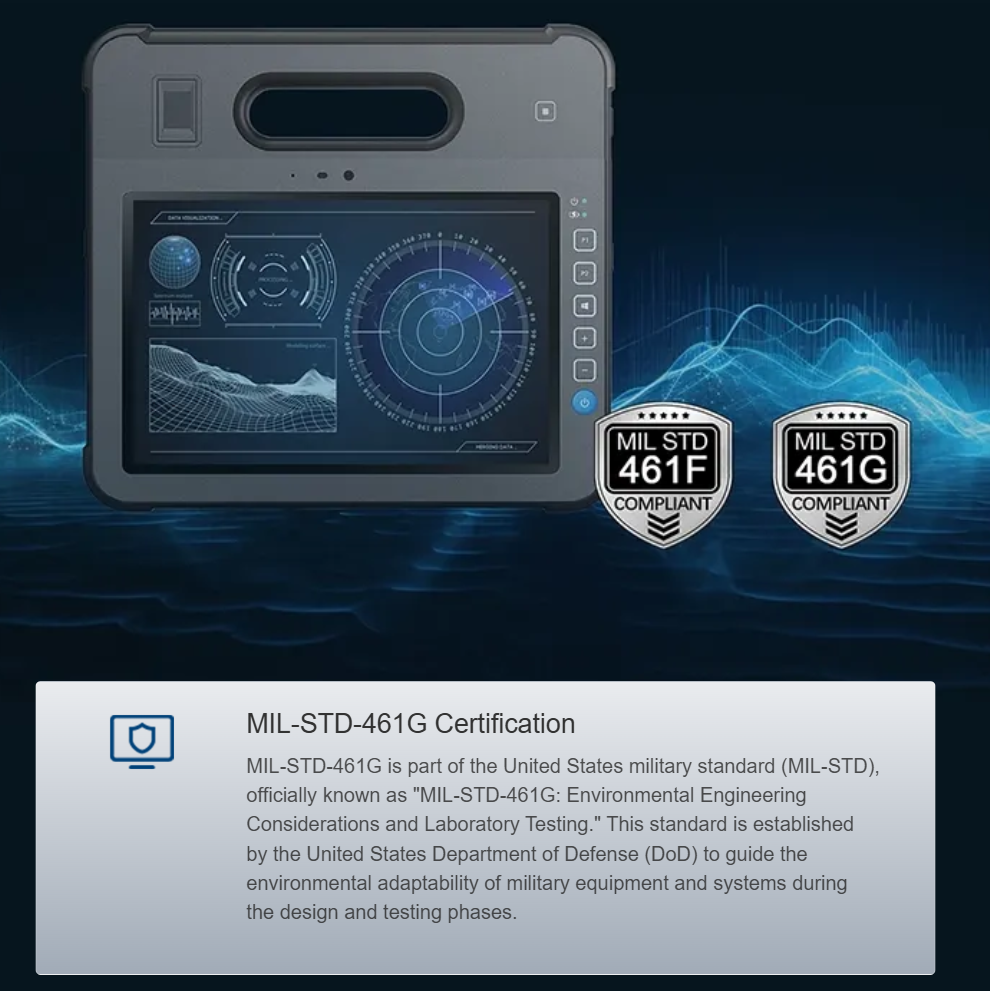
Why this matters for console operators
Operators who install Intel Alder Lake-U systems inside stainless-steel automation consoles face two immediate risks: thermal throttling that cuts CPU performance and interface latency that disrupts I/O-driven control loops. The goal for any control-room team is steady throughput and predictable response, not occasional bursts. Start by considering the enclosure as part of the thermal solution and choose a reliable rugged computer platform that matches your operational profile. Real-world anchor: summer temperatures in Phoenix regularly exceed 40°C (104°F), and field teams there have documented unexpected throttling when consoles lacked adequate heat paths.
How to detect drift and latency early
Diagnosis must be metric-driven. Monitor core temperatures, package power (TDP surrogate), and interface latencies at the application layer. Log CPU frequency, interrupt latency, and packet round-trip times. Small trends over hours reveal thermal drift better than short bursts of data. Use lightweight telemetry so you don’t add significant CPU overhead; the goal is clear signals, not noise. Thermal throttling and increased polling latency are the two most actionable indicators.
Practical hardware steps that work
Start with passive measures: increase conductive paths between the Alder Lake-U SoC and the enclosure via a dedicated heat spreader or a bonded heat sink mounted to the stainless surface. Where space and maintenance allow, a thin, conductive thermal interface material reduces thermal resistance more reliably than air gaps. If you can, choose a fanless design optimized for continuous load — fanless systems avoid dust ingress and reduce maintenance on industrial floors. When fans are necessary, use variable-speed units tied to temperature thresholds rather than constant high RPM; that reduces wear and noise without compromising cooling.
Firmware and software tuning for consistent performance
Tune power profiles to avoid aggressive burst modes that overshoot sustained TDP and trigger throttling. Adjust OS power plans to favor sustained clocks over transient peaks when deterministic latency matters. Disable unnecessary background services that wake often and generate interrupts. For interfaces, prioritize interrupt coalescing and adjust DMA buffer sizes to reduce jitter in I/O paths — this lowers interface latency without large hardware changes. Remember to test changes under realistic loads; lab stress tests are useful, but deployment conditions like high ambient temperatures reveal real limits.
Common mistakes and how to avoid them
Teams often assume stainless steel merely protects electronics. In fact, it acts as a thermal sink only when intentionally coupled to the SoC — leaving gaps or rubber feet creates thermal isolation and invites throttling. Another frequent error is relying solely on consumer cooling heuristics: Alder Lake-U’s hybrid core topology needs steady power budgets to avoid unpredictable frequency shifts. Finally, don’t ignore environmental certifications: devices rated to MIL-STD-810G or IP65 are designed for shock and dust, but you still need thermal planning for enclosed installations — a rugged tablet or console rated for harsh environments is not automatically optimized for high sustained CPU loads.
Field-proven checklist
Use this practical checklist during deployment — it’s compact and actionable:- Verify thermal contact between the SoC heat spreader and the console chassis.- Configure OS and firmware for sustained power use, not burst peaks.- Implement telemetry for core temps, package power, and interrupt latency.- Choose fanless or controlled-fan systems based on dust and maintenance constraints.- Validate under expected ambient temperatures (e.g., >40°C summer peaks).
Three golden rules for selection and tuning
1) Measure first: baseline temperatures and latencies under typical loads before changing hardware. 2) Prioritize conduction: effective heat paths to the stainless housing reduce the need for active cooling. 3) Match power policy to mission: choose sustained-performance tuning when deterministic interface latency matters. These three metrics — thermal delta to ambient, sustained package power, and 95th-percentile interrupt latency — give you a concise way to evaluate options and confirm improvements. In practice, following these rules shortens commissioning time and reduces unexpected field interventions.
Establishing predictable performance inside stainless-steel consoles requires precise, measured steps — and the right industrial platform makes those steps straightforward: Estone. —